

In November 2025 I was very excited to share a new emergent writing tool – https://flipkeyboard.com/. It has been great to hear from those of you who are using it – and to get lots of requests for changes and additions.
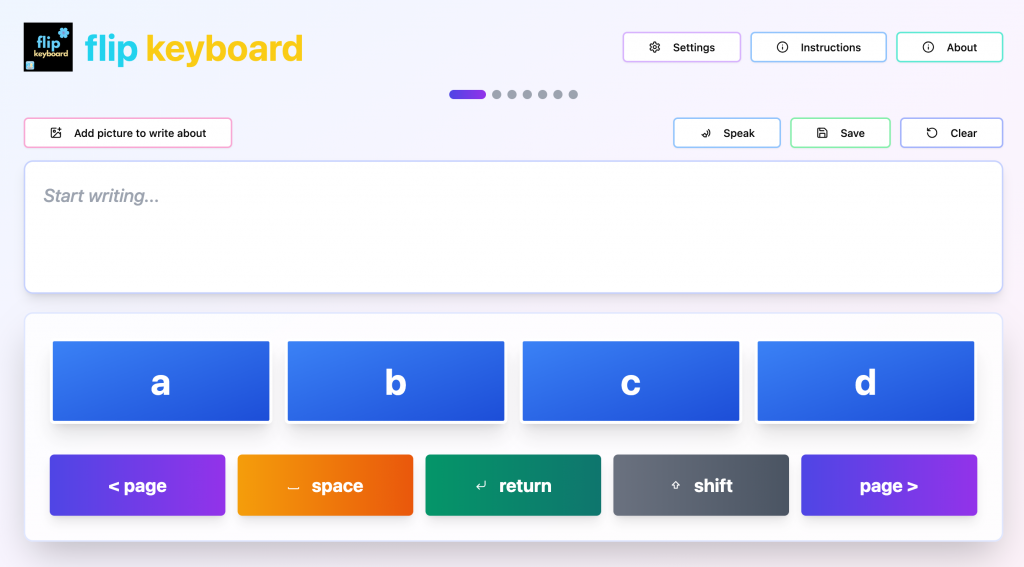
As a result, there are now a number of changes to the original version. I am very aware that the students we work with are diverse and I’m very happy to add new features that support students with their emergent writing – so please keep sending ideas through!
The additional settings are:
- A setting to speak letter names as they are selected;
- A Speak button to read the text in the Writing Window aloud;
- A return key to move to the next line in the Writing Window;
- Options to turn the Speak and Return keys on and off in Settings
- A delete key can be added to the bottom row in Settings. This is off by default.
- The number of letters per keyboard screen can now be increased to 10.
- A form of visual or visual plus auditory two switch scanning (using tab and enter) is available. This only scans the keyboard buttons. For complete scanning access to the app, please use the scanning in the accessibility features of your operating system.
And for those who have asked, the app is compatible with Web Content Accessibility Guidelines 2.2.
Happy emergent writing!!
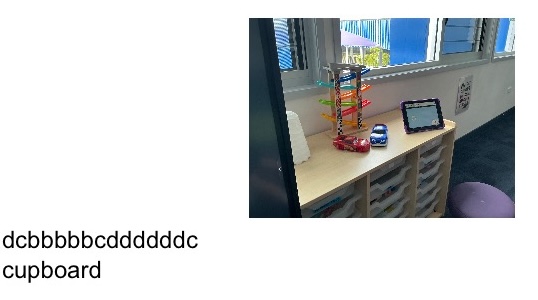
A piece of emergent writing in Flip Writer from a student at Coomera State Special School

Ruth Ziolkowski
Jane
Rui
Sanchia
Jane